EnterWorks APIs
The EnterWorks APIs allow third party applications to integrate with the EnterWorks system and to access most runtime PIM (Product Information Management) functionality. They are not, however, alternatives to the web browser-based user interfaces because they lack most of the administrative capabilities such as management of users, security, and repository mapping.
The EnterWorks SOAP API is deprecated in favor of the EnterWorks REST API. For information regarding the EnterWorks SOAP API, see the EnterWorks 10.2 API Overview.
EnterWorks REST API
The EnterWorks system contains a Swagger UI interface that shows detailed information about the EnterWorks REST API. To access it:
-
Log into the New UI using a Chrome browser. (Firefox will work, but some of the control icons may be missing.)
-
Duplicate your browser window.
-
In the duplicate window, go to:
http://<webhost>/webcm/rest/swagger-ui.html#/
-
The Swagger interface will appear.
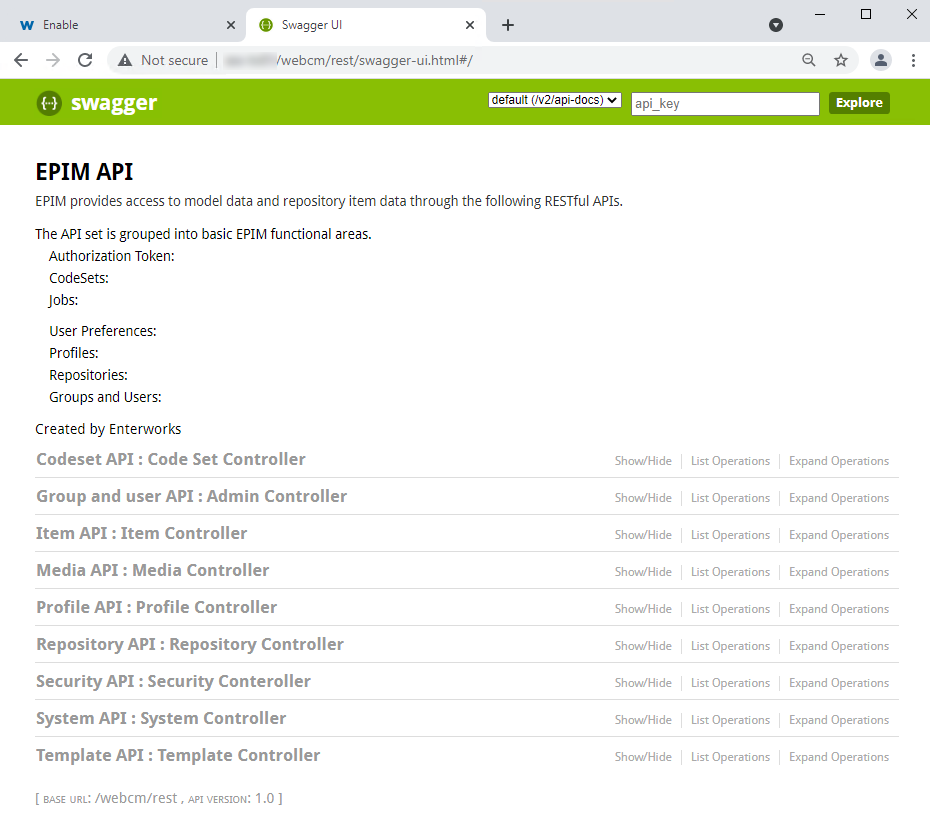
In order to try out the API, you need to generate an authorization token.
To generate an authorization token:
-
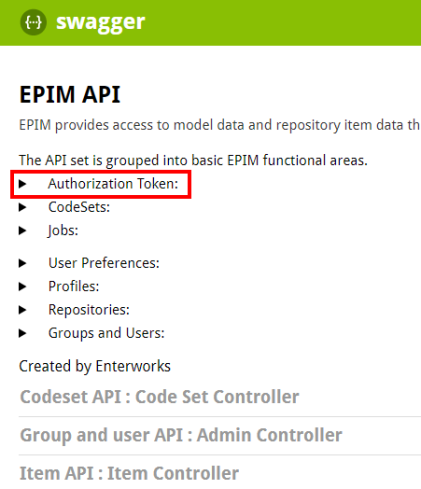
On the Swagger page, expand Authorization Token. The arrow to the left of the text Authorization Token may or not be displayed. Click the text.
-
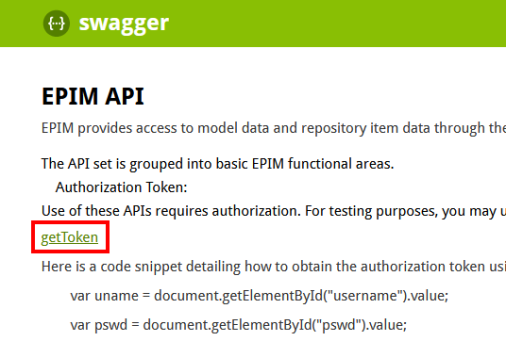
The Authorization information will expand.
-
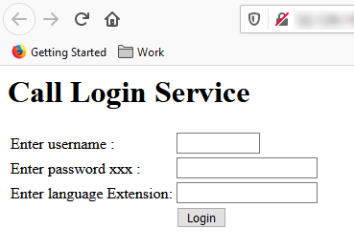
Click the link getToken. You will be taken to a login screen.
-
Enter your login credentials.
-
A token will be displayed. Copy the entire token.
-
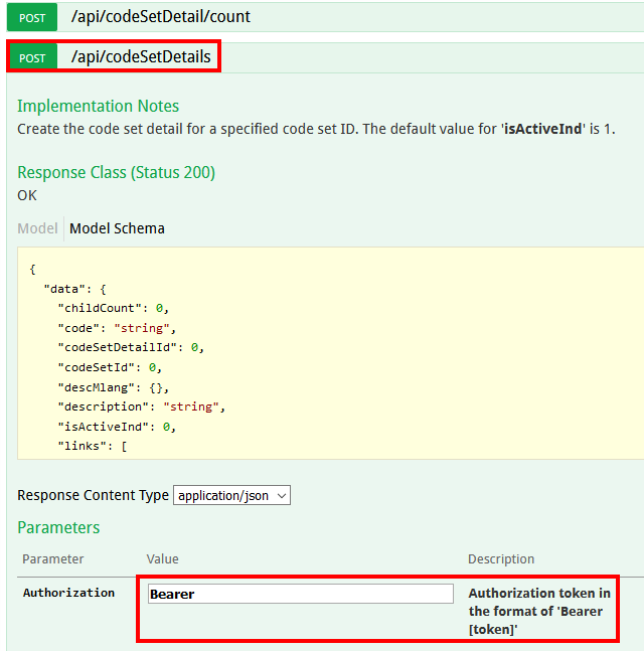
Expand the desired method and enter the token as directed. For instance, in the method displayed below, you would enter an Authorization value of "Bearer[<enter-your-token-here>]".

Copyright 2007, 2023 Precisely