You can switch to a different type of background map for example, Aerial and Master map. The
switch background map option is located at the top right corner of the viewport. In the
example below, click the Aerial or Master map button to switch between them.
Switching Base Maps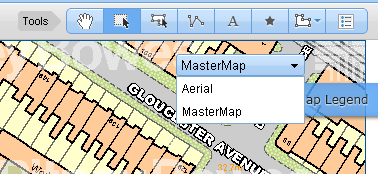
Note: Based on the settings done in Admin Console, you can retain X, Y, View and Zoom while
switching the Map Config with same projections.