MapInfo Stratus allows you to select various views located at the top left
corner of the viewport. You can select:
- Vertical View: It shows map and results vertically. This is the default view.
- Horizontal View: It shows map and results horizontally.
- Map View: It is map only view. The search and query panel are hidden.
- Result View: It is results only view. The map is hidden.
MapInfo Stratus Views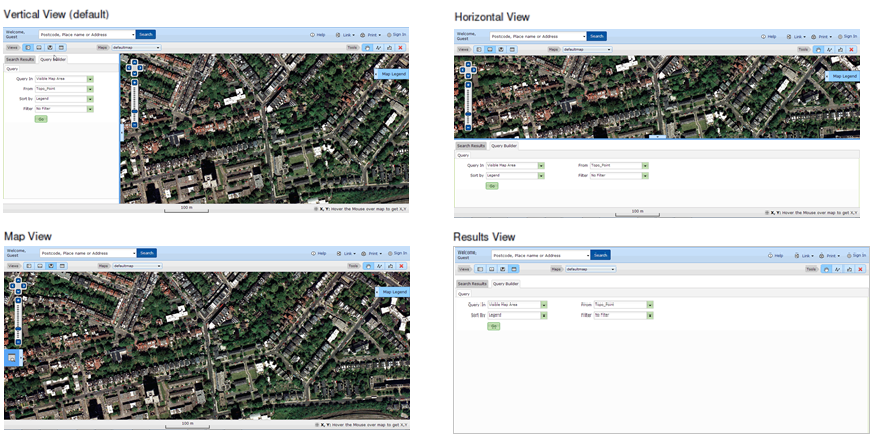
Note: Users can drag the splitter between the results/query panel and map.