
HRI Font Tab
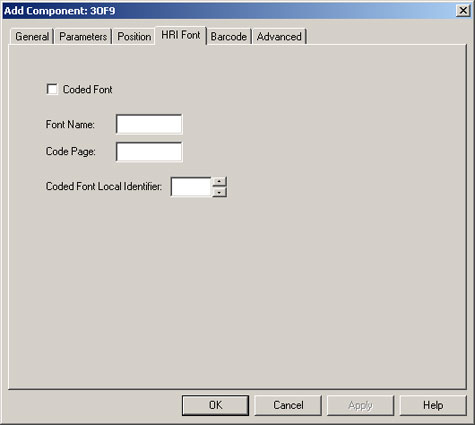
For AFP printers only, the HRI Font tab allows you to specify the coded font to use to print added text or a barcode’s HRI on an AFPDS output.
The fields in this tab are described next.
- Coded Font: Check this box if you will be using the font name and the coded font local identifier that you specify on this tab for the HRI.
- Font Name: The name (up to eight characters in length) of the coded font. This is required if you select the Coded Font check box.
- Code Page: Specifies the code page to use to print added text or a barcode's HRI on an AFPDS output.
- Coded Font Local Identifier: The number of the coded font local identifier (1 to 127) to use when adding HRIs or text to AFPDS data. This is required if you select the Coded Font check box.